# How to Activate an NFC Tag
Activating an NFC tag is a straightforward process that unlocks a world of convenient, contactless interactions. Whether you're a hobbyist looking to automate tasks at home or a business professional exploring smart solutions, understanding **how to activate an NFC tag** is the essential first step. My journey into the world of NFC began somewhat accidentally. I remember trying to share a contact at a tech meetup years ago. A colleague simply tapped his phone to a small sticker on his laptop, and instantly, my device opened his LinkedIn profile. I was fascinated. This seamless, almost magical transfer of information sparked a deep personal interest. Since then, I've experimented with countless tags, from automating my morning coffee routine to creating interactive museum-like exhibits for a local school fair. The process of bringing these inert stickers or chips to life—of activating them—is where the magic truly begins.
## Understanding NFC Tags and Their State
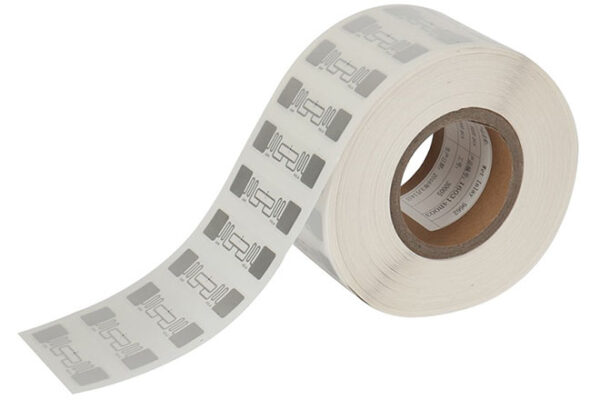
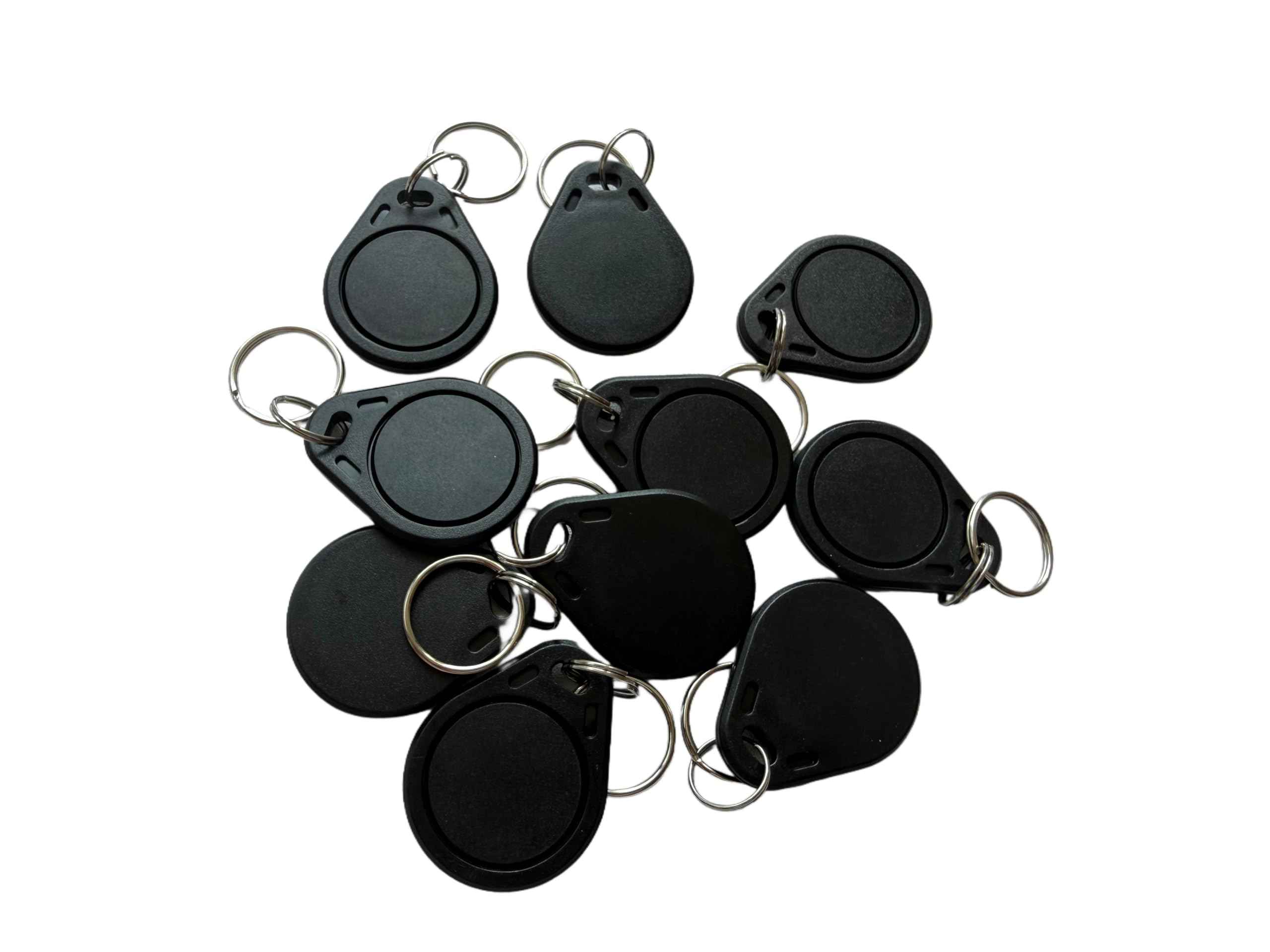
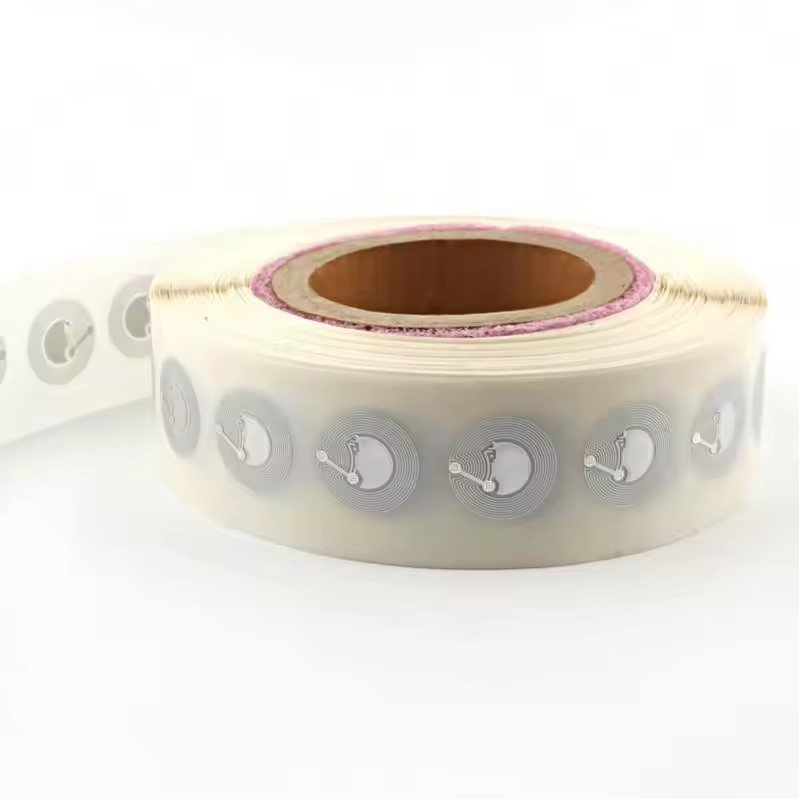
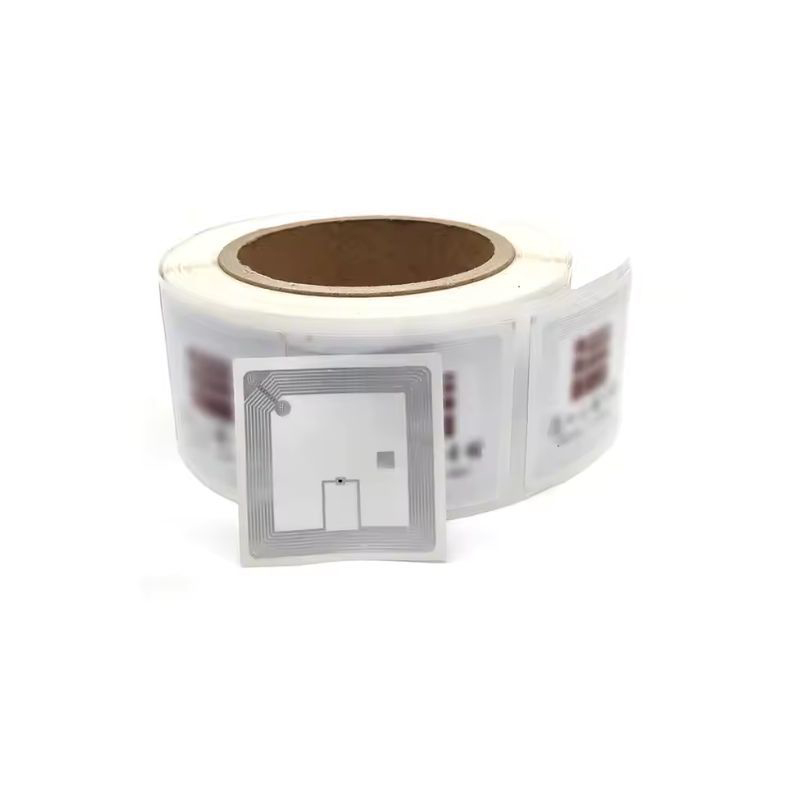
Before diving into activation, it's crucial to understand what an NFC tag is. An NFC (Near Field Communication) tag is a passive, unpowered microchip with a small antenna, embedded in a sticker, card, key fob, or other form factors. Out of the box, most tags are in a "blank" or "factory-default" state. They possess a unique ID but contain no actionable data or commands. **Activating an NFC tag** refers to the process of writing data or instructions to this blank chip, thereby making it interactive and useful. It's similar to formatting a new USB drive and then saving files onto it; the tag becomes a vessel for information.
### The Personal Touch: My First NFC Activation
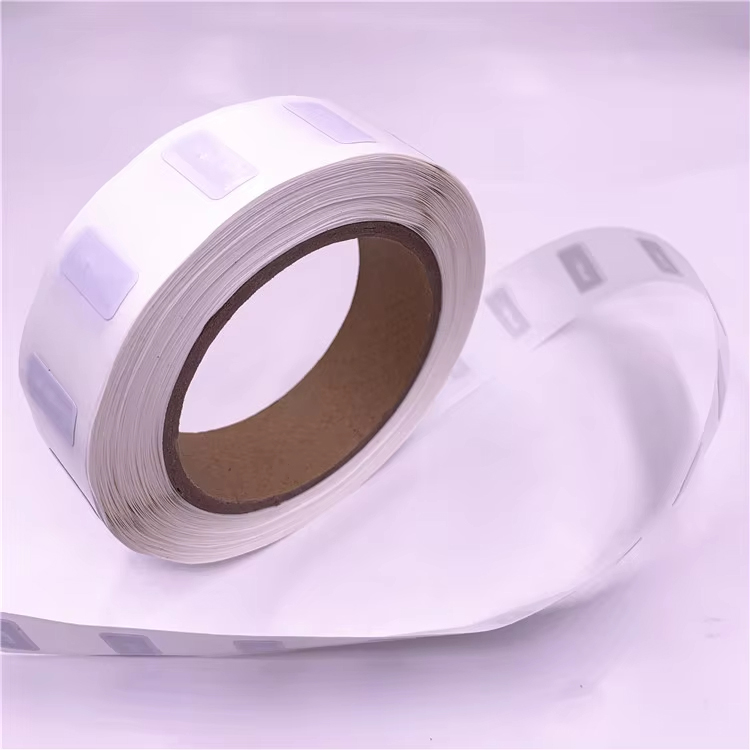
I recall my first attempt vividly. I purchased a pack of generic NTAG213 stickers. Armed with my smartphone and a free NFC writing app, I thought it would be instant. However, the app failed to detect the tag. After a moment of frustration, I realized my phone's NFC antenna was located near the top, and I was tapping the middle of the device.