# How to Program NFC Tags on Android: A Complete Guide
## Introduction to NFC Tag Programming
Near Field Communication (NFC) technology has transformed how we interact with devices and share information. Programming NFC tags on Android devices opens up a world of possibilities for automation, information sharing, and creative applications. As someone who has worked extensively with NFC technology through TIANJUN's development projects, I've discovered that Android provides one of the most accessible platforms for NFC programming, whether you're a beginner or an experienced developer.
## Understanding NFC Technology Basics
### What Are NFC Tags?
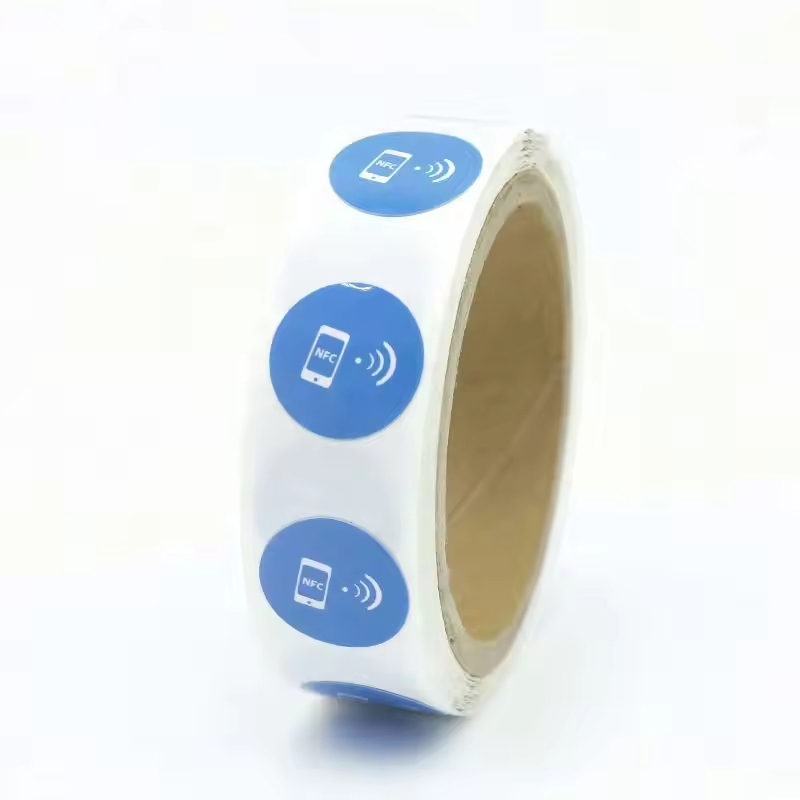
NFC tags are small, passive devices that contain a microchip and antenna. They don't require power themselves but can be read and written to by powered NFC devices like smartphones. During my first experience with NFC programming, I was amazed at how these tiny chips could trigger complex actions on my phone with just a simple tap.
### Types of NFC Tags
There are several types of NFC tags, each with different capabilities:
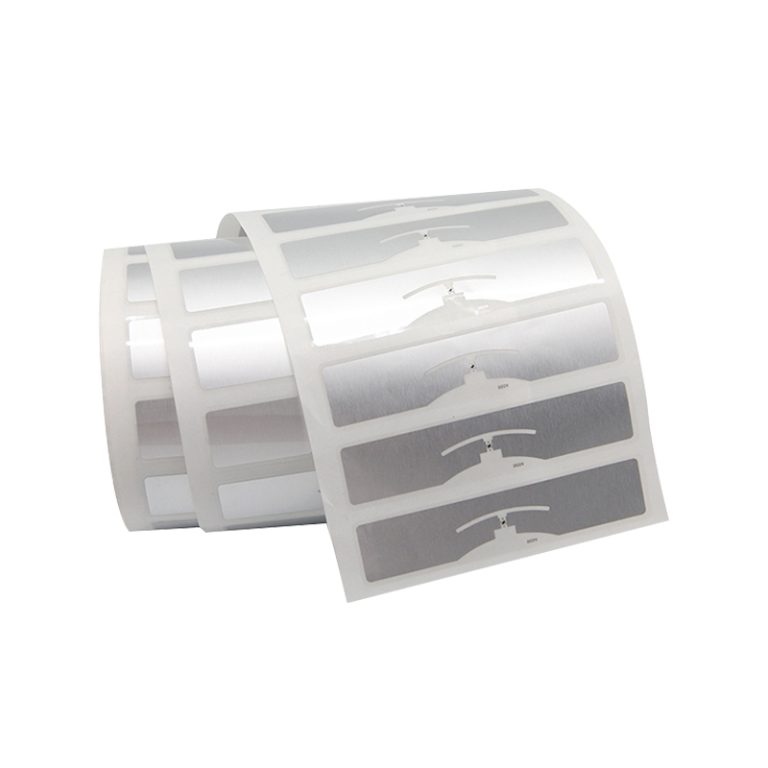
- **Type 1**: Basic tags with 96 bytes to 2KB memory
- **Type 2**: Similar to Type 1 but with enhanced features
- **Type 3**: Based on Sony FeliCa system
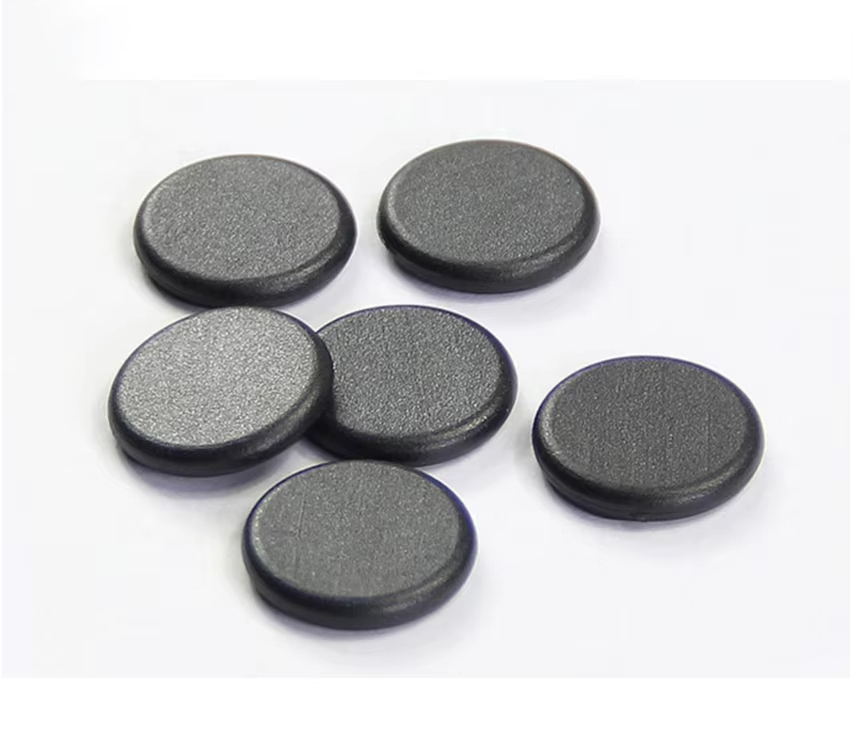
- **Type 4**: Similar to smart cards with larger memory
- **Type 5**: Latest generation with extended range
**Technical Specifications for Common NFC Tags:**
- **NTAG213**: Memory: 144 bytes, Chip: NXP NTAG213, Dimensions: Various (commonly 25mm diameter)
- **NTAG215**: Memory: 504 bytes, Chip: NXP NTAG215, Dimensions: Standard credit card size
- **NTAG216**: Memory: 888 bytes, Chip: NXP NTAG216, Dimensions: Customizable based on application
- **MIFARE Classic**: Memory: 1KB/4KB, Chip: NXP MIFARE Classic 1K/4K, Security: Proprietary crypto
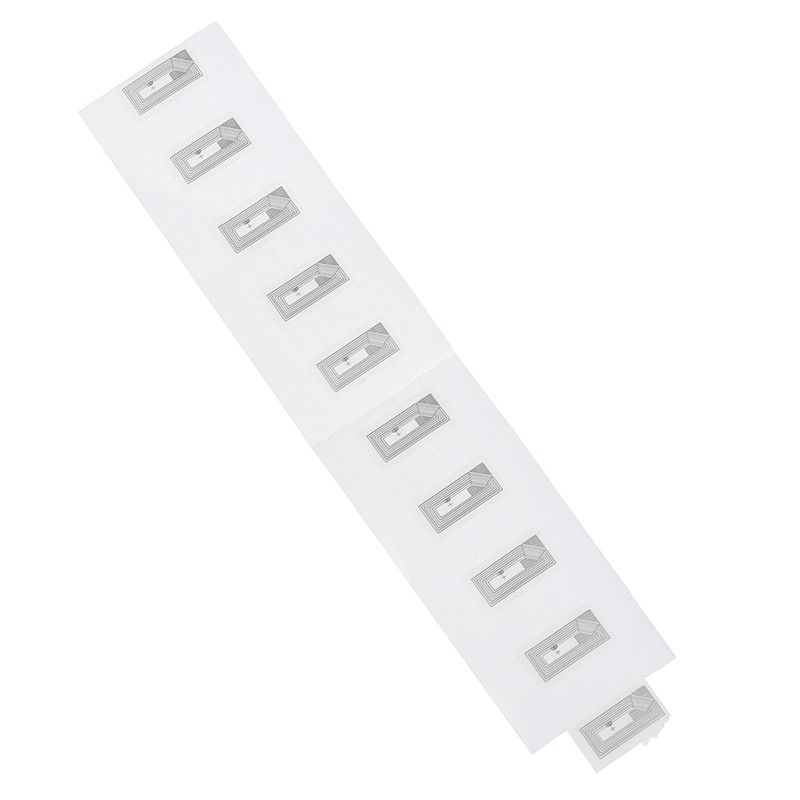
*Note: These technical parameters are reference data only. For specific requirements, please contact backend management.*
## Getting Started with NFC Programming on Android
### Essential Tools and Requirements
To begin programming NFC tags with your Android device, you'll need:
1. **Android device with NFC capability** (most modern smartphones have this)
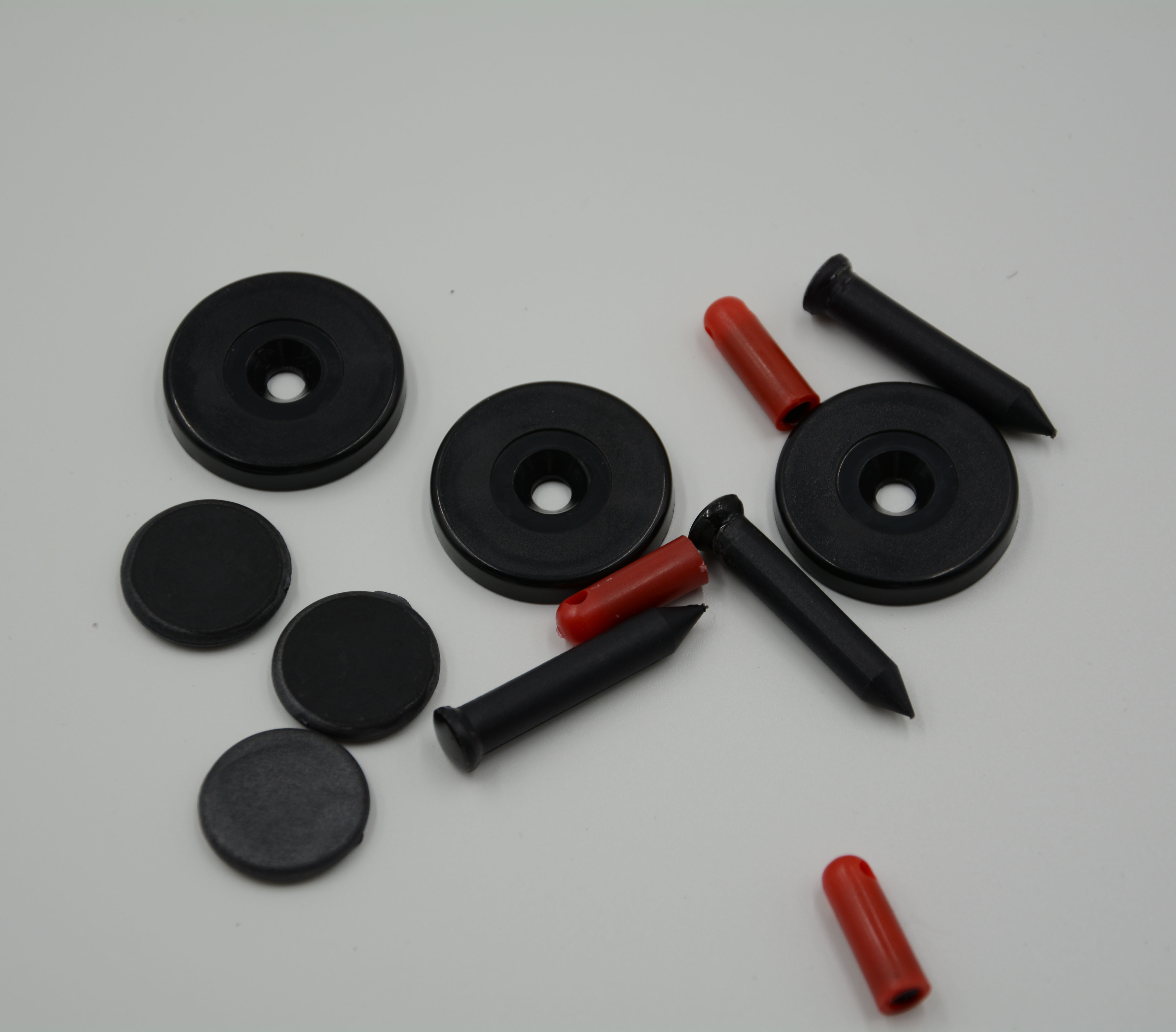
2. **Blank NFC tags** (available from various suppliers including TIANJUN)
3. **NFC writing app** (several free options available)
4. **Your creativity and specific use cases**
I remember my first attempt at programming an NFC tag - I wanted to create a simple business card that would automatically share my contact information. The process was surprisingly straightforward, and within minu